Table of Content
PowerFlex 525 IP Address Parameters: Configuration Guide

Written by
Artur Solakhyan
Freelance copywriter and editor
Published at19 October 2026
Estimated reading time3 min read
Share This:
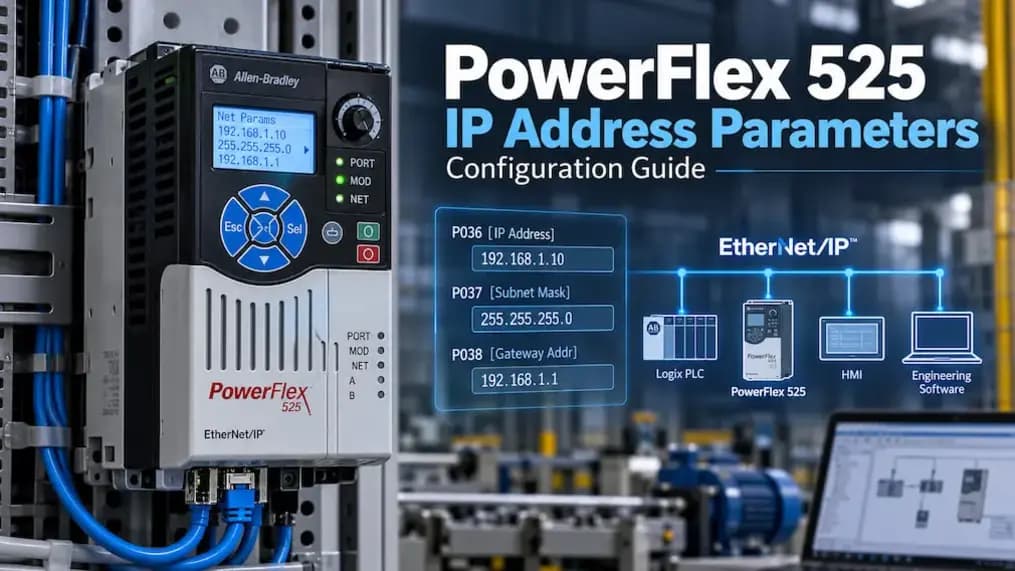
The Allen-Bradley PowerFlex 525 uses its embedded EtherNet/IP interface to communicate with PLCs, engineering workstations, HMIs and other devices on an industrial network. PowerFlex 525 addressing can be assigned through BOOTP or configured manually through communication parameters. For manual configuration, C128 [EN Addr Sel] must be set to 1 “Parameters,” followed by the IP address, subnet mask and gateway values. This guide explains the required parameters, configuration steps, verification process and common troubleshooting checks.
PowerFlex 525 IP Address Configuration: What You Need to Know
The embedded EtherNet/IP interface gives the PowerFlex 525 direct network connectivity without requiring a separate communication adapter.
An IP address identifies the drive itself. The subnet mask determines which devices belong to the same local network segment. The gateway address defines where traffic should be sent when communication must reach a device outside that local subnet.
The documented default address-selection method is BOOTP. To use stored parameters instead of BOOTP, C128 must be changed to “Parameters.”
PowerFlex 525 IP Address Parameters
C128 [EN Addr Sel]
C128 determines how the PowerFlex 525 obtains its Ethernet address.
- 1 = Parameters
- 2 = BOOTP (default)
Set C128 to 1 “Parameters” when you want to configure the address manually. If it remains at 2, the drive continues requesting addressing information through BOOTP. After changing the address-selection method, reset or power-cycle the drive so the new configuration becomes active.
C129–C132 [EN IP Addr Cfg 1–4]
These four parameters define the four bytes of the configured IP address.
For 192.168.1.62:
- C129 = 192
- C130 = 168
- C131 = 1
- C132 = 62
Each parameter accepts a value from 0 to 255. Confirm that the resulting address is valid for the network and is not already assigned to another device.
C133–C136 [EN Subnet Cfg 1–4]
These parameters define the subnet mask.
For 255.255.255.0:
- C133 = 255
- C134 = 255
- C135 = 255
- C136 = 0
The subnet mask determines whether another device is considered local or must be reached through a gateway.
C137–C140 [EN Gateway Cfg 1–4]
These parameters define the gateway address.
For 192.168.1.1:
- C137 = 192
- C138 = 168
- C139 = 1
- C140 = 1
A gateway is mainly relevant when the drive must communicate with devices outside its local subnet.
C141 [EN Rate Cfg]
C141 controls the Ethernet communication rate and duplex setting. Its default value is 0 = Auto detect. C141 is related to Ethernet operation but does not define the drive IP address.
How to Configure the PowerFlex 525 IP Address Using Parameters
Step 1: Check the Existing Address Configuration
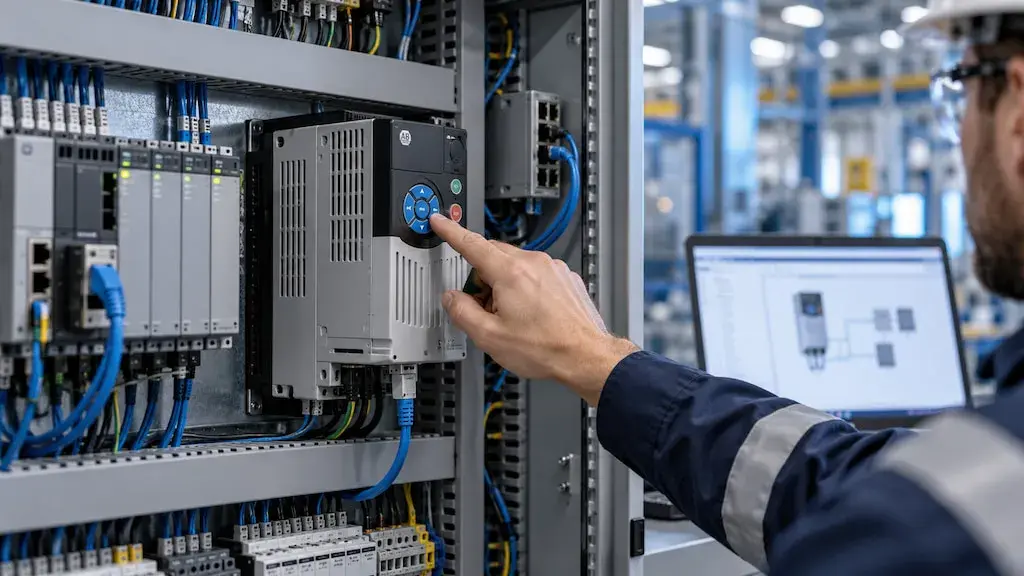
First determine whether the drive currently uses BOOTP or parameter-based addressing. Check C128 before editing the address bytes.
Step 2: Set C128 [EN Addr Sel] to Parameters
Navigate to C128 and set the value to 1 “Parameters.” This tells the drive to use its stored network values instead of requesting them through BOOTP.
Step 3: Enter the IP Address in C129–C132
Divide the desired address into four bytes and enter each value separately. For example, 192.168.1.62 becomes 192, 168, 1 and 62 across C129 through C132.
Step 4: Enter the Subnet Mask in C133–C136
Enter the four subnet values in C133 through C136. A common example is 255.255.255.0, but the correct mask must match the network design.
Step 5: Enter the Gateway in C137–C140
If the drive needs communication beyond the local subnet, enter the correct gateway address. If routing is not required, follow the network design used by the facility.
Step 6: Reset or Power Cycle the Drive
After entering the network values, reset or power-cycle the PowerFlex 525. The new network configuration does not become active until this step is completed.
How to Verify the PowerFlex 525 IP Address
Check the Actual IP Address Parameters
Use the read-only actual-address parameters to confirm the IP address currently used by the embedded EtherNet/IP interface:
- F693 [EN IP Addr Act 1]
- F694 [EN IP Addr Act 2]
- F695 [EN IP Addr Act 3]
- F696 [EN IP Addr Act 4]
These values show the active address, not merely the configured address stored in C129 through C132.
Verify the Actual Subnet Configuration
The active subnet can be checked with:
- F697 [EN Subnet Act 1]
- F698 [EN Subnet Act 2]
- F699 [EN Subnet Act 3]
- F700 [EN Subnet Act 4]
Compare these values with C133 through C136 to confirm that the expected subnet configuration is active.
Check Network Communication
After confirming the active values:
- Verify that the drive appears at the expected IP address.
- Test communication from the PLC or engineering workstation.
- Check for duplicate IP addresses.
- Confirm the Ethernet cable and switch connection.
- Verify that the active address matches the intended configuration.
PowerFlex 525 IP Address Configuration Problems and Troubleshooting
IP Address Does Not Change After Editing Parameters
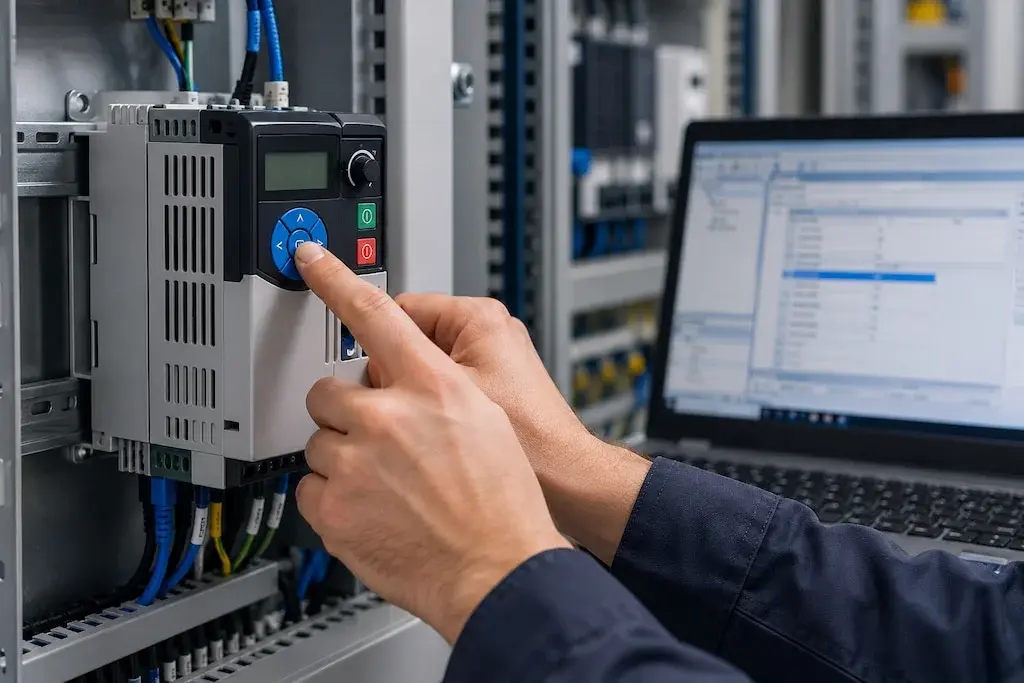
If the address remains unchanged, verify that C128 is set to Parameters rather than BOOTP. Confirm that the drive was reset or power-cycled and recheck each address byte for entry errors. Compare the configured values with F693 through F696.
PowerFlex 525 Is Not Reachable on the Network
Common causes include a duplicate IP address, incorrect subnet mask, incorrect gateway, faulty Ethernet connection, switch configuration problems, or an active IP that differs from the expected value. Check physical connectivity before changing unrelated drive parameters.
Drive Keeps Requesting an IP Address Through BOOTP
This usually indicates that C128 [EN Addr Sel] is still set to 2 “BOOTP.” Change it to 1 “Parameters” when fixed manual addressing is required, then reset the drive.
Configured IP and Actual IP Do Not Match
Compare C129–C132 with F693–F696. The C parameters show the stored configuration, while the F parameters show the address actually being used. A mismatch often indicates that the new settings have not become active or that the drive is still using another address-selection method.
PowerFlex 525 IP Address Parameters: Configuration Checklist
Before considering the configuration complete, verify:
- A unique IP address has been selected.
- C128 is set to 1 “Parameters.”
- C129–C132 contain the correct IP address.
- C133–C136 contain the correct subnet mask.
- C137–C140 contain the required gateway.
- The drive has been reset or power-cycled.
- F693–F696 show the expected active IP.
- The active subnet configuration has been checked.
- Network communication has been tested successfully.
Related PowerFlex 525 Ethernet Parameters
C141 [EN Rate Cfg] affects Ethernet data rate and duplex behavior, while other communication parameters may influence network operation. However, when troubleshooting an incorrect IP address, begin with C128 through C140 and the actual-address parameters before changing unrelated communication settings.
When replacing or expanding network hardware, an industrial automation parts distributor can assist with sourcing compatible equipment from global manufacturers, including Allen-Bradley parts. Readers comparing controller architectures may also find PLC vs Microcontroller useful.
FAQ
C129 through C132 define the four IP address bytes. C128 determines whether the PowerFlex 525 uses these stored parameters or BOOTP.
C128 [EN Addr Sel] selects the Ethernet addressing method. Set it to 1 for parameter-based addressing or 2 for BOOTP, which is the documented default.
Set C128 to Parameters, enter the address in C129–C132, configure the subnet and gateway as needed, then reset or power-cycle the drive.
They represent the four bytes of the configured IP address. For 192.168.1.62, the values are 192, 168, 1 and 62.
C133 through C136 define the four bytes of the configured subnet mask.
C137 through C140 define the four bytes of the configured gateway address.
Check F693 through F696. These read-only parameters show the actual IP address currently used by the embedded EtherNet/IP interface.
Yes. A reset or power cycle is required for the new network configuration to take effect.




Have a question?
If you didn't find the automation part you were looking for, our support team is here to help. Just contact us, and we'll do our best to source the exact part you need. We're committed to meeting your needs and ensuring your satisfaction.
Contact Us Now